

What is Ask?
When Ask is selected in the bottom-right corner, anything you type will be treated as a conversation only. It won’t trigger edits, regenerate UI, or apply changes to the current page. This mode is completely free and designed to help you understand your project better before making any modifications.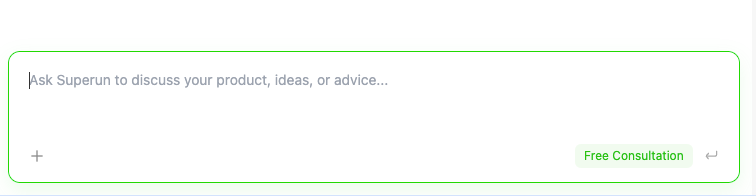
Why use Ask?
Ask is perfect for:- Understanding your project’s current state – Ask questions about your codebase, components, structure, and implementation details
- Getting recommendations – Receive suggestions on best practices, architecture improvements, or feature implementations
- Planning next steps – Discuss potential modifications, refactoring strategies, or new features before implementing them
- Troubleshooting – Get help diagnosing issues, understanding errors, or identifying potential problems
- Learning and exploration – Ask questions about how things work, explore different approaches, or understand technical concepts
Workflow: Ask first, then modify
The recommended workflow is to use Ask first, then switch to normal mode for actual modifications:-
Start with Ask
- Ask questions about your project’s current state
- Understand what needs to be changed and why
- Get recommendations on the best approach
- Clarify any doubts or concerns
-
Switch to normal mode for modifications
- Once you have a clear understanding and plan
- Switch back to normal mode to implement changes
- Apply the insights gained from the Ask session
superun Website
Visit the website to learn more features and examples.