> ## Documentation Index
> Fetch the complete documentation index at: https://docs.superun.com/llms.txt
> Use this file to discover all available pages before exploring further.
# 發布
> 發布您的 superun 項目,安全共享並連接自定義域.
superun 可以輕鬆發布您的項目並與團隊成員或用戶共享.您可以隨時迭代和更新實時版本,並連接自定義域.
> 發布之前,運行快速安全檢查以避免洩露敏感數據.
## 如何發布
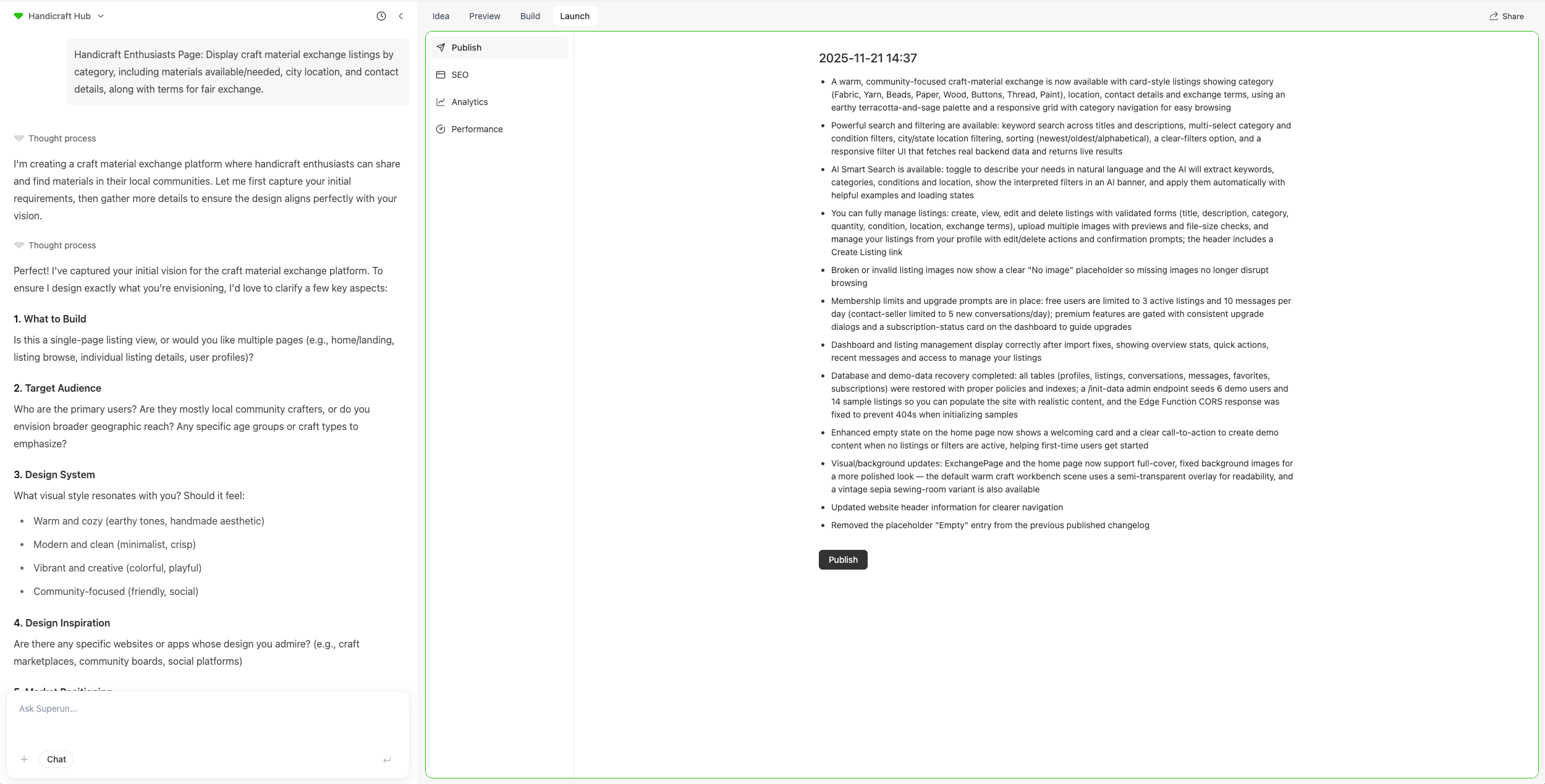
1. 在專案中導航到**營運**區域
2. 選擇**發布**標籤頁
3. 點擊**發布**按鈕開始發布您的專案
4. 等待發布過程完成
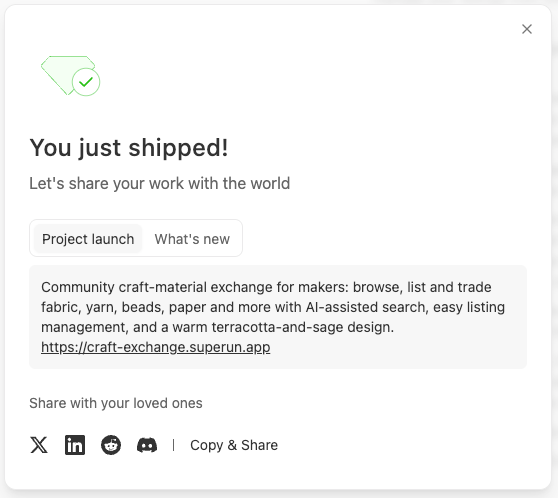
5. 發布完成後,您可以通過多種渠道分享您的專案
 ## 常見問題解答和故障排除
* 發布錯誤:通常是由構建問題引起的 - 首先要求 AI 進行調查並修復.
***
訪問該網站以了解更多功能和示例.
## 常見問題解答和故障排除
* 發布錯誤:通常是由構建問題引起的 - 首先要求 AI 進行調查並修復.
***
訪問該網站以了解更多功能和示例.